
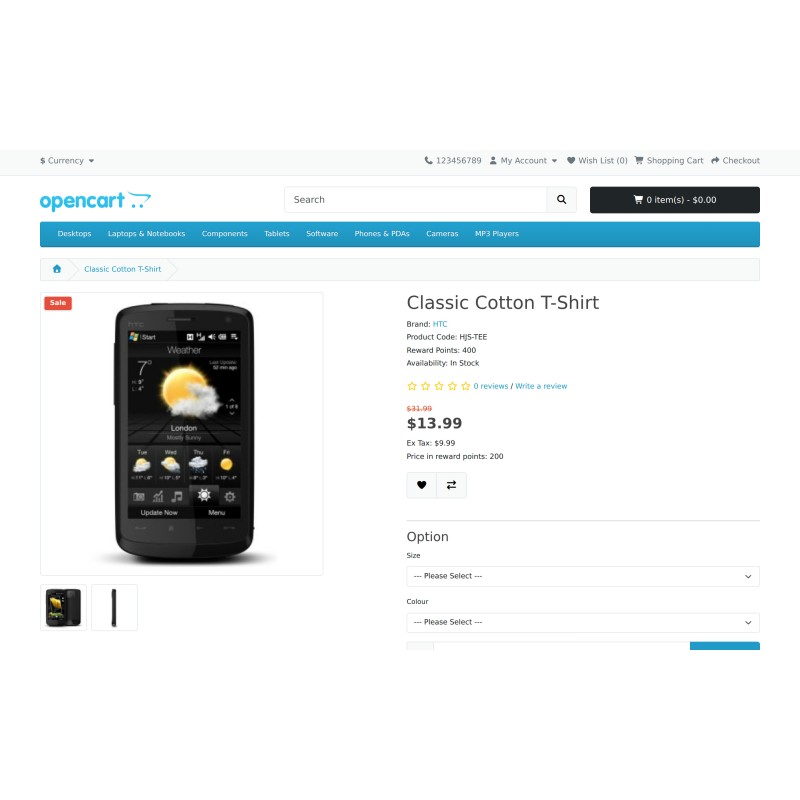
HJS Catalog Mode
- Product Code: hjs_catalog_mode
- Availability: In Stock
£15.99
- Ex Tax: £15.99
Catalogue mode, by customer group - not all-or-nothing
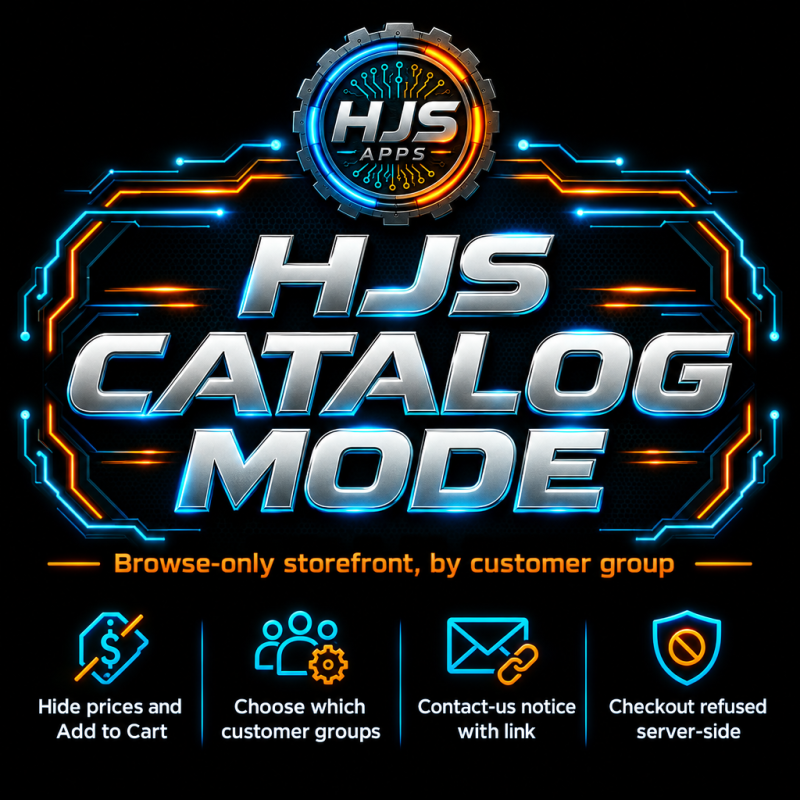
HJS Catalog Mode turns your storefront into a browse-only catalogue for the customer groups you choose - no prices, no Add to Cart, no checkout - while everyone else carries on buying normally. Hidden buttons are not enough on their own, so it also refuses cart and checkout requests on the server, not just in the page markup.
Key features
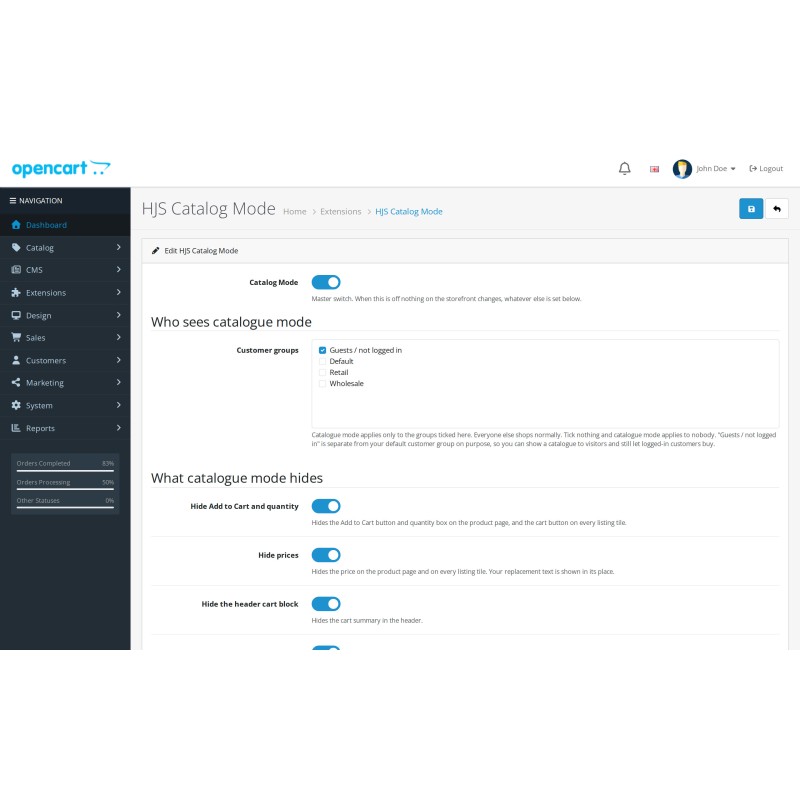
- Catalogue mode BY CUSTOMER GROUP. Tick who it applies to. "Guests / not logged in" is a separate entry from your default customer group, so "visitors browse, logged-in customers buy" is a single tick-box.
- Five independent hide switches: Add to Cart and quantity, prices, the header cart block, the Shopping Cart and Checkout links, and the currency selector.
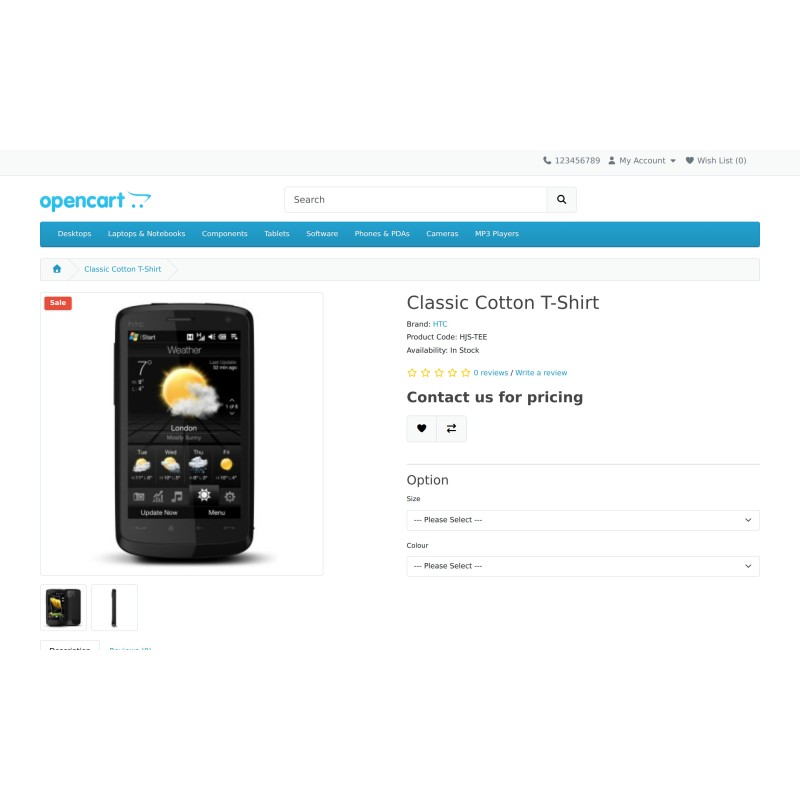
- Your own replacement text where the price was - "Contact us for pricing" by default, editable, with an optional link to your contact page. Leave it empty to show nothing.
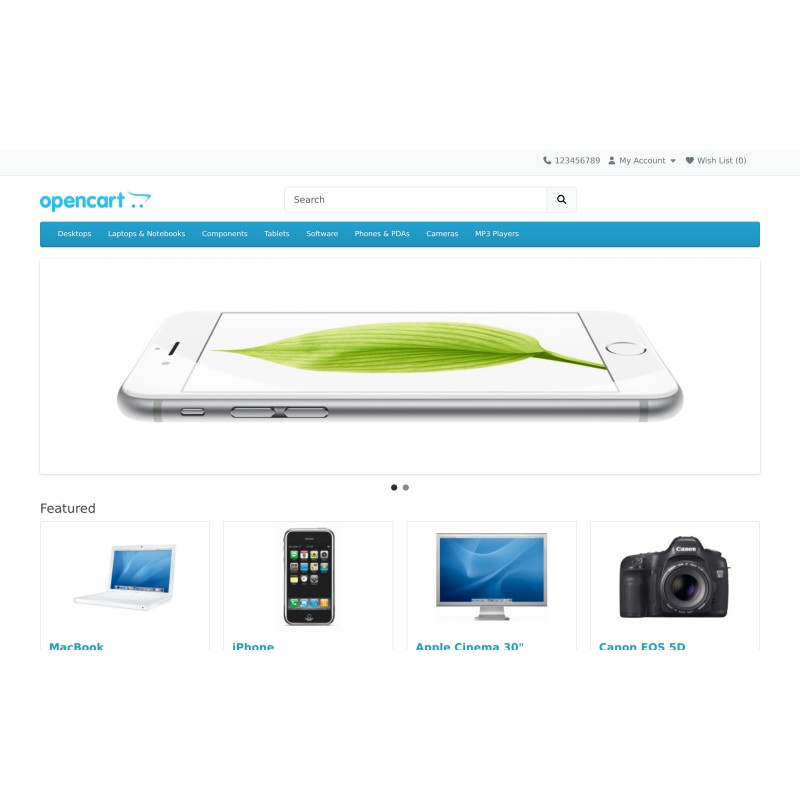
- Prices and buy buttons are hidden on the product page, on category listing pages and on search results.
- SERVER-SIDE ENFORCEMENT, not just CSS: a direct request to add an item to the cart is refused, and the cart, checkout AND order-confirmation pages are diverted to a page you choose - the order-confirmation route included, because that is the one that actually writes the order and it can be reached directly. The wishlist's own Add to Cart uses the same route and is covered too.
- Enforcement has its own switch, so you can run catalogue mode as a purely visual change if that is what you actually want.
- One settings screen. No sub-tabs, no per-product work, nothing to maintain.
- Installs with the master switch OFF on purpose - installing it does not stop your live shop selling before you have looked at the settings.
- Changes no data at all. No tables are created; no product, price, stock, category or customer record is ever written to. Switching it off restores the shop instantly.
- Patches NO core template - works entirely through OpenCart 4's event system.
- Uninstall removes only its own settings and events and leaves your catalogue untouched.
- Installs through Extensions > Installer as an OCMOD package - no core files overwritten.
What this extension does not do
Stated so expectations are right before purchase.
- No per-product or per-category catalogue mode - it is store-wide, by customer group.
- No enquiry or quote form - the notice can link to a contact page; a per-product enquiry form is a different HJS add-on (HJS Call for Price).
- No B2B or customer-group pricing - OpenCart's own group prices are untouched.
- No scheduling - it is a switch you set.
- Hiding is designed against the default OpenCart 4 theme. A heavily customised theme may need a small CSS adjustment. The server-side refusal is theme-independent.
- Does not empty an existing basket or cancel placed orders.
Compatibility
- Tested: OpenCart 4.1.0.4
- PHP tested: 8.4. PHP 8.5 is not yet supported.
- Works against the default OpenCart 4 theme. Not exercised: other themes, SEO-URL mode, multi-currency stores.
Support
HJS Apps - https://hjsapps24.store
Tags: catalog mode, catalogue mode, hide price, hide add to cart, disable checkout, browse only, trade only, wholesale, customer group